
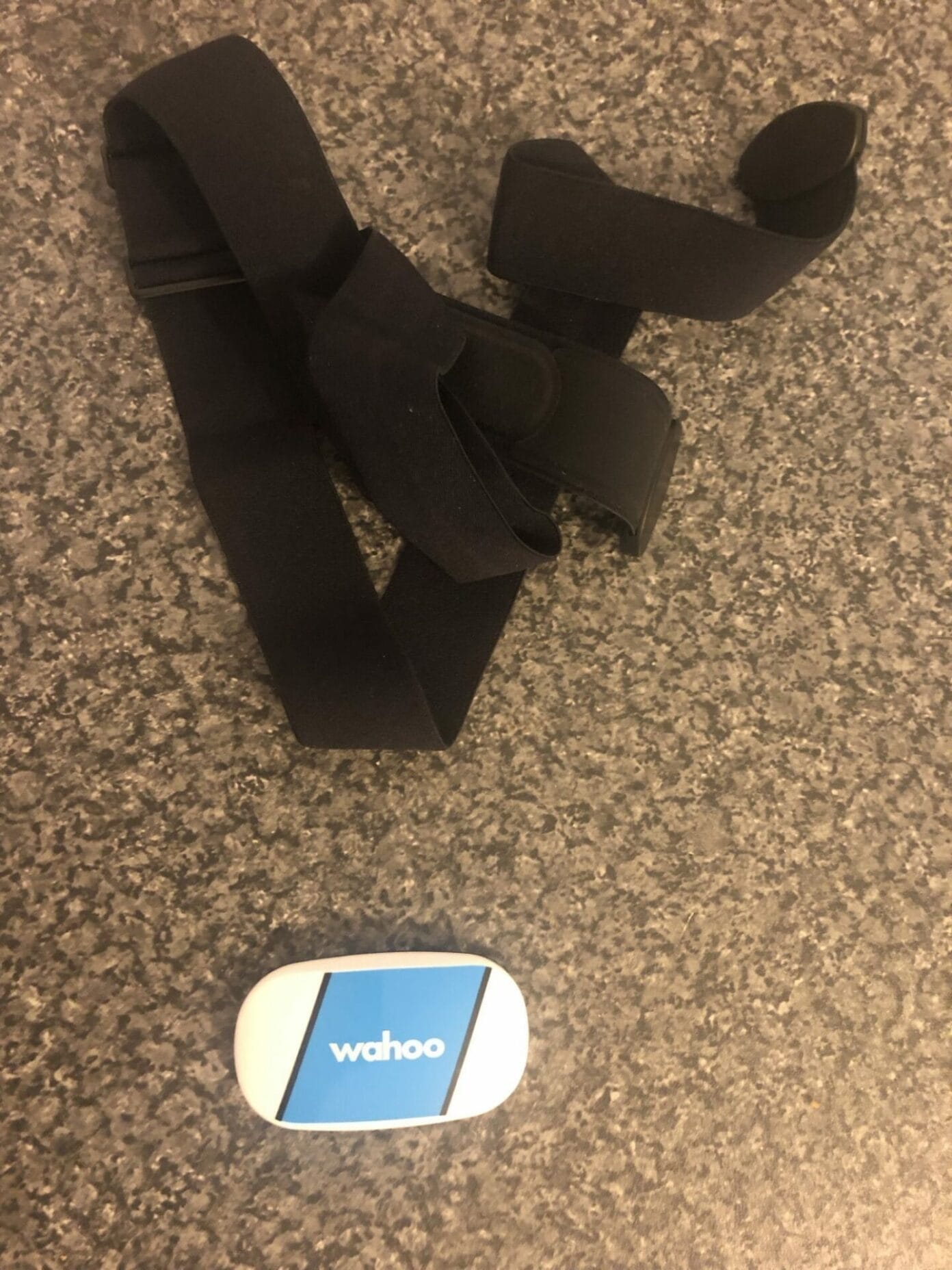
I’ve been making a more deliberate effort to improve my general health and wellbeing, and part of that has meant using a few mobile apps to track my fitness. They were useful up to a point, but after a while my progress started to feel a bit flat. I wanted a clearer idea of what was actually happening during exercise, so I began looking at heart rate monitors.
After doing the usual bit of research, I settled on the Wahoo TICKR. One of the reasons I chose it was that Wahoo also makes other cycling products. I had recently started getting back into cycling and was already thinking about buying a cycling computer and sensors, so it made sense to try to keep everything within the same brand where possible.
The heart rate monitor was also the cheapest item on that list, which made it a sensible place to start. It gave me a chance to see what Wahoo’s kit was like before spending more money on other gear.
I ordered the Wahoo TICKR from Amazon and it arrived the next day. Inside the box were the heart rate monitor and a quick start guide. There was not much to it, which is not a bad thing with this sort of product. The monitor looked exactly as expected, and the build quality made a good first impression.
The first time I tried the strap on, I was not completely convinced. It felt a bit odd, and I wondered whether it might become too tight or irritating once I started moving properly. A chest strap is always going to feel different at first if you are not used to wearing one.
Once the weather improved, I took it outside and tested it while cycling and walking. In actual use, the strap was much better than I expected. Within about ten minutes I had stopped noticing it. It stayed in place without needing adjustment during a 40-mile bike ride and later on a 10-mile walk, which was enough to settle my concerns about comfort.
At first, I used the TICKR with a few different iPhone apps. As expected, it worked smoothly with the Wahoo Fitness app. It also connected easily with Strava, which was useful as that is where many people already keep their cycling and walking activity.
I had less success with MapMyWalk. Despite trying a few times, I could not get the strap to connect properly. That may not matter to everyone, but it is worth knowing if you already rely on that app for tracking walks.
To get a better sense of what the TICKR could do, I also borrowed a Wahoo ELEMNT BOLT. This was where the heart rate monitor started to make the most sense. Pairing it with the BOLT was simple, and once I began the workout everything worked as it should.
Being able to see live heart rate zones while exercising was genuinely useful. It gave the data a bit more meaning than simply looking back at numbers afterwards. On a ride, especially, it helped show when I was pushing too hard and when I could afford to put in more effort.
Overall, the Wahoo TICKR made a good first impression. It was easy to set up, comfortable once in use, and worked well with the Wahoo ecosystem. The main issue I found was app compatibility with MapMyWalk, but with Wahoo Fitness, Strava, and the ELEMNT BOLT, it performed well.
For anyone already using Wahoo cycling gear, or thinking about building a simple fitness tracking setup around cycling and walking, the TICKR is a practical place to start. The Wahoo TICKR Heart Rate Monitor is available on Amazon for those looking to add heart rate data to their fitness tracking.
As an Amazon Associate, we earn commission from qualifying purchases.